
$114.50 Original price was: $114.50.$91.60Current price is: $91.60.
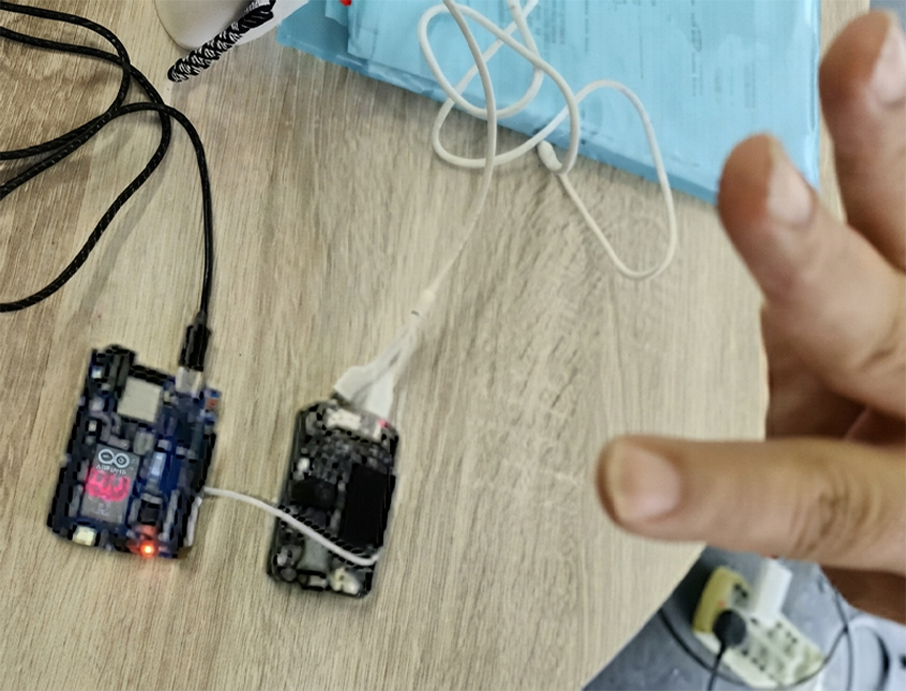
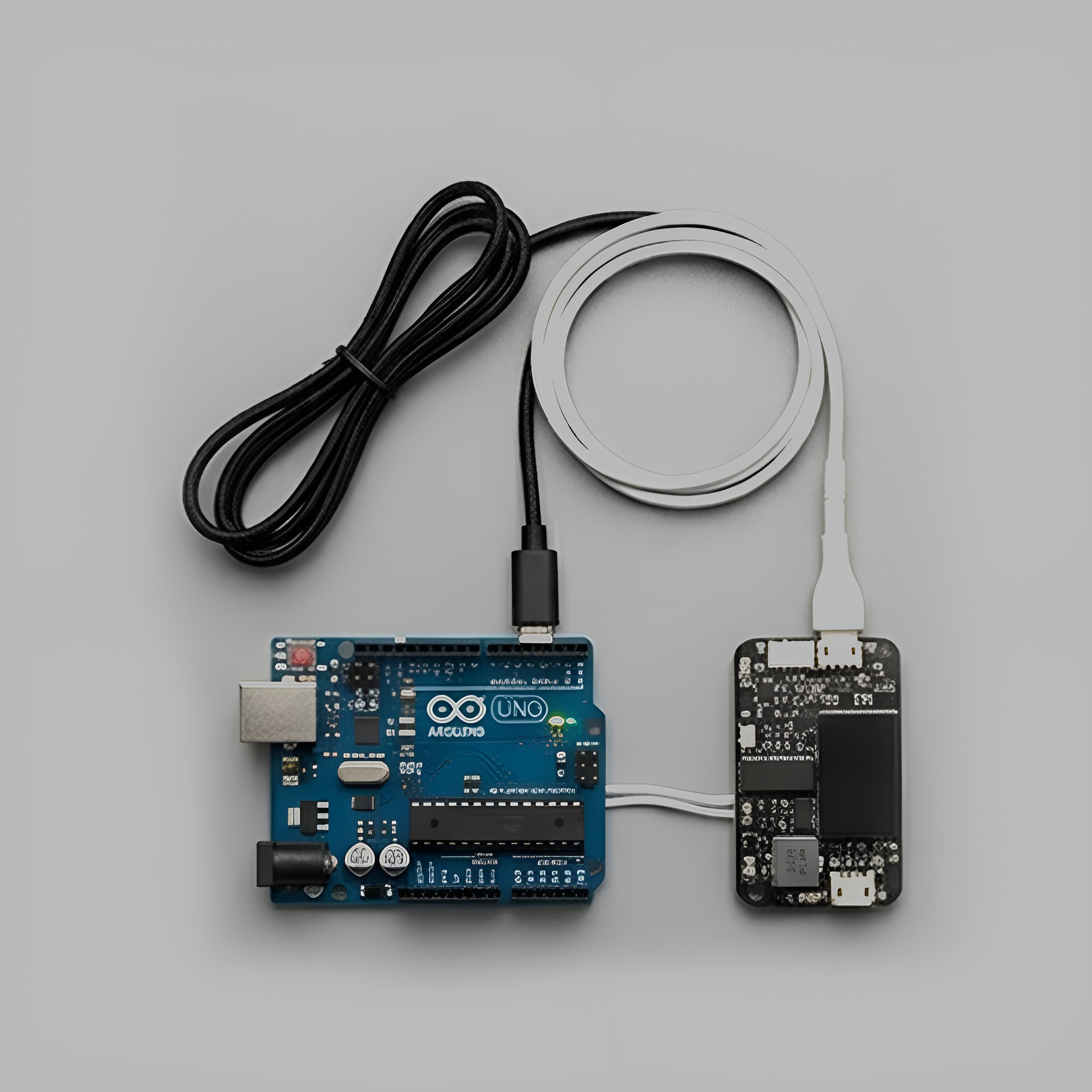
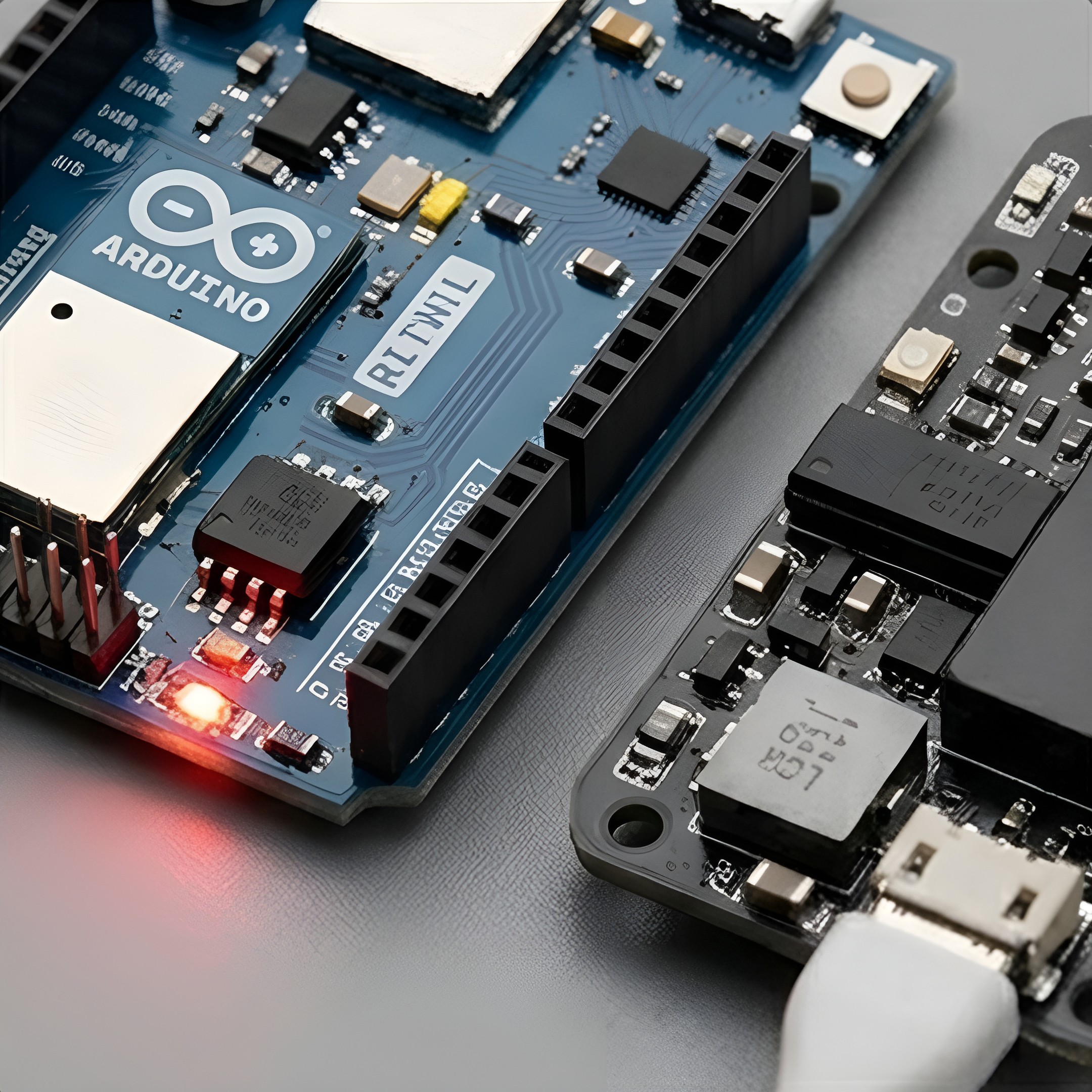
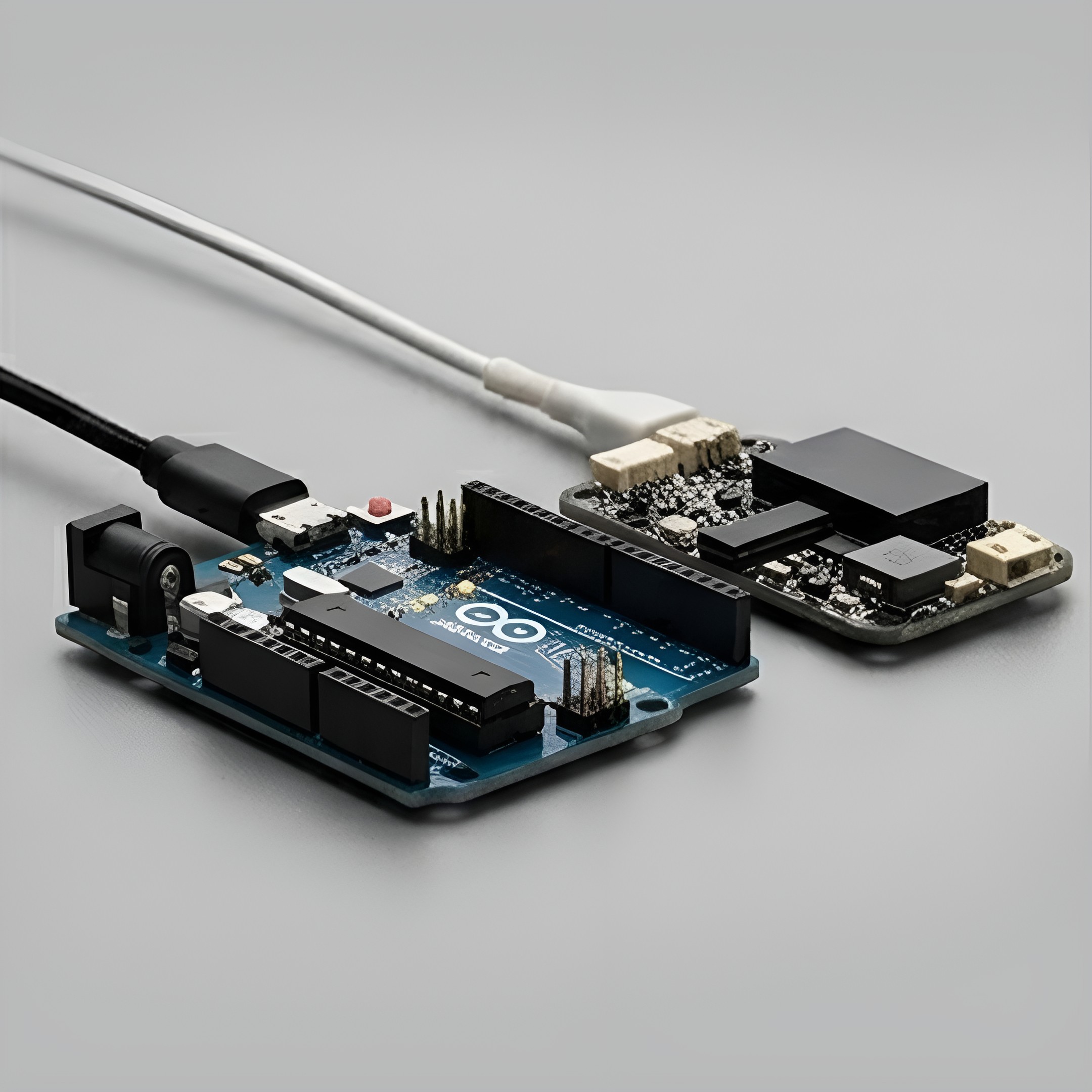
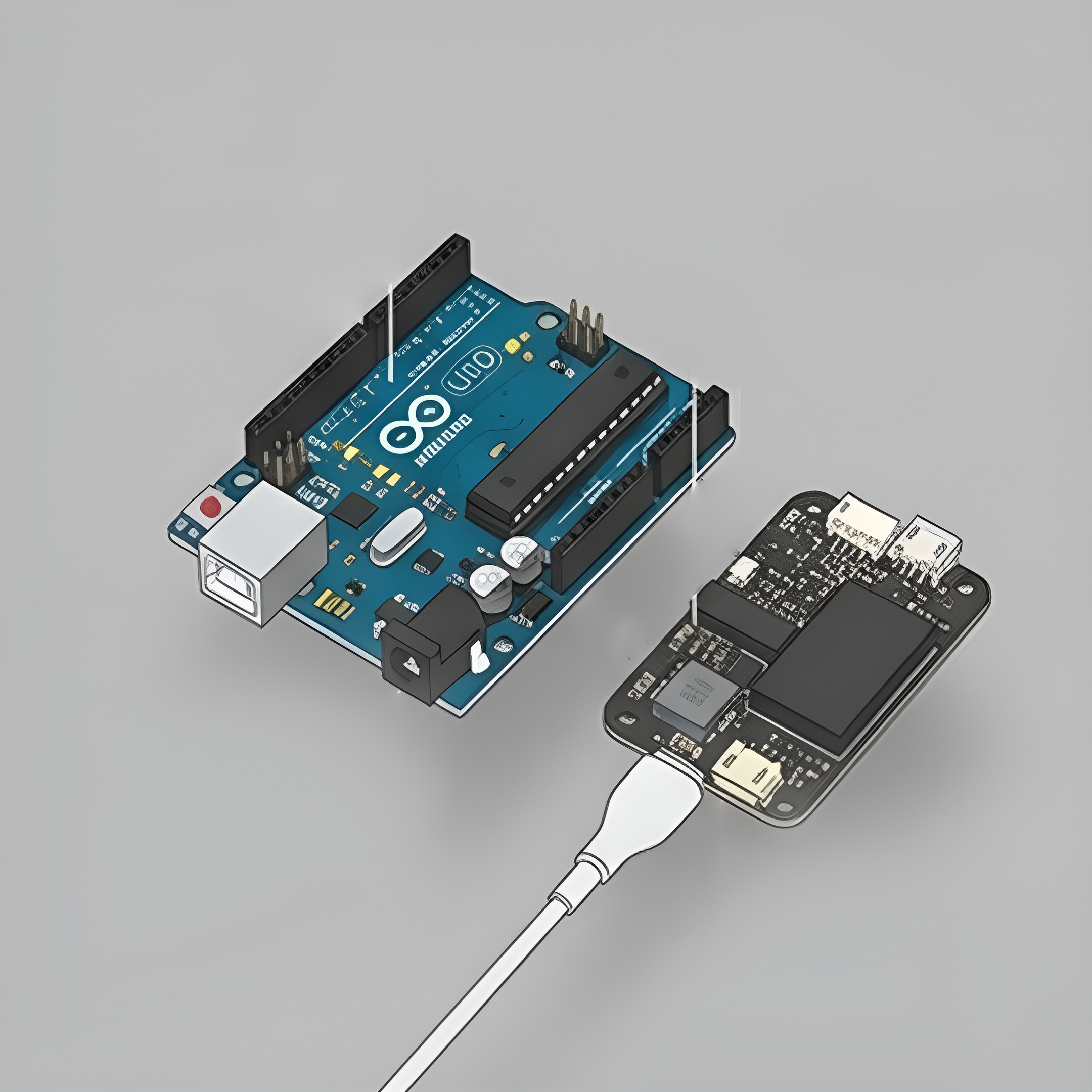
Gesture recognition development kit based on Arduino UNO R4 WiFi. Adopts camera‑based visual recognition solution to identify finger gestures from 1 to 5. Main hardware includes OV7670 / OV2640 serial camera module, breadboard and Dupont wires. Ideal for STEM education, image processing and Arduino programming practice projects.
Want to see how a camera can read hand signals? This gesture recognition development kit makes it easy. It runs on the Arduino UNO R4 WiFi and reads finger counts from one to five. You can purchase gesture recognition kit in Adelaide and start your first vision project this week. It is a fun way to learn coding and camera tech.
This kit converts hand gestures into simple computer commands. A small camera module watches your hand and counts your fingers, from one to five. The Arduino UNO R4 WiFi board reads the camera data and turns it into working code. You can purchase gesture recognition kit in Adelaide to make your learning even faster. It is a hands-on way to learn how computers see and respond to the world around them.
Inside the box, you get an OV7670 or OV2640 camera module, a breadboard, and Dupont wires. No soldering is needed, so setup stays simple. Students, hobbyists, and beginners can purchase gesture recognition kit in Adelaide and build a first camera project without hunting for extra parts.
Most beginner kits use touch pads. This one uses a real camera, so you learn how machines read images instead of simple taps.
You write and test actual Arduino code. It is not a fixed toy with one setting; you can change the code and see new results.
Every part fits together with simple wires and a breadboard. There is no soldering, so you can focus on code and camera logic.
Once you master five fingers, you can try new gestures or write your own code.
Plug the Arduino UNO R4 WiFi into your computer using a USB cable. The board turns on and gets ready for code.
Wire the OV7670 or OV2640 module to the board with the breadboard and Dupont wires. No soldering is needed.
Upload the gesture recognition sketch to the Arduino using the free Arduino software.
Hold up one to five fingers in front of the camera lens.
The board reads the camera image and shows which gesture it sees on your screen.
It introduces kids to computer vision and hands-on microcontroller practice.
Ideal for undergraduate engineering and robotics coursework.
It is designed to perform camera-based visual recognition. It can identify finger gestures representing numbers from 1 to 5. Purchase gesture recognition kit in Adelaide to complete your Arduino programming practice projects.
Absolutely. The kit serves as an open Arduino platform. This helps you modify the embedded code and adjust detection thresholds. You can also expand recognition logic for custom practice projects.
The product is covered by an easy fourteen-day return policy. So, you can purchase gesture recognition kit in Adelaide and easily return it within 14 days of purchase. However, it is subject to standard store conditions.
You can build interactive counter displays and touchless control switches. Also, this kit helps you build simple hand-gesture game controllers or automated triggers for connected smart home devices.
Yes. It provides a practical entry point for students exploring robotics and embedded systems. You can also purchase gesture recognition kit in Adelaide for experiments including microcontrollers.
Free Shipping
Order on $79
Support 24/7
+61 426 762 285
Quality
Prime Products
Return & Refund
Easy 14 Day Return
Press to start
Leave your email and we'll follow up with you.

Reviews
There are no reviews yet.